Achieve.
Earn Your Screen Time
The iPhone screen time app that blocks distracting apps until you complete your daily goals, workouts, or productive tasks.

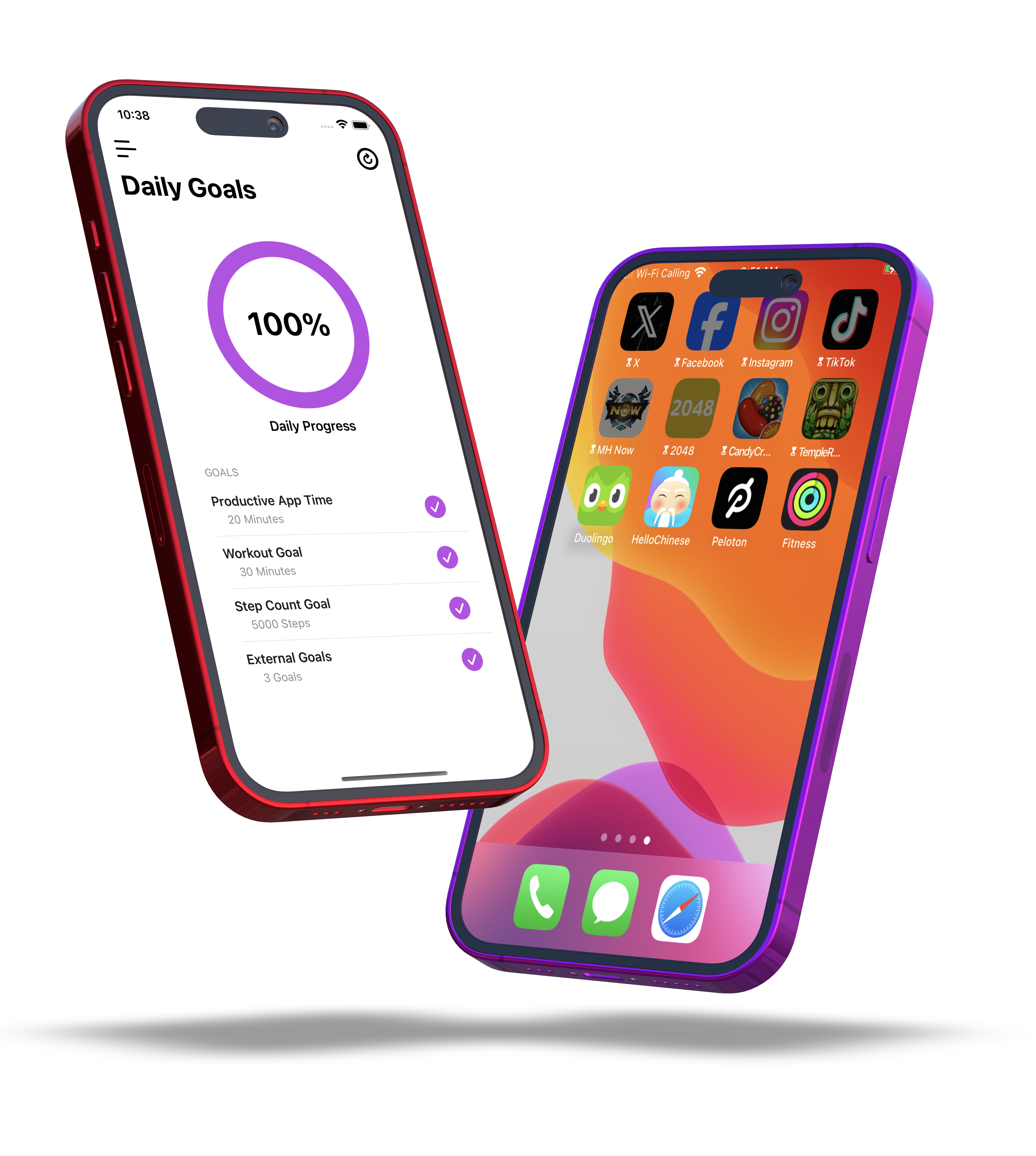
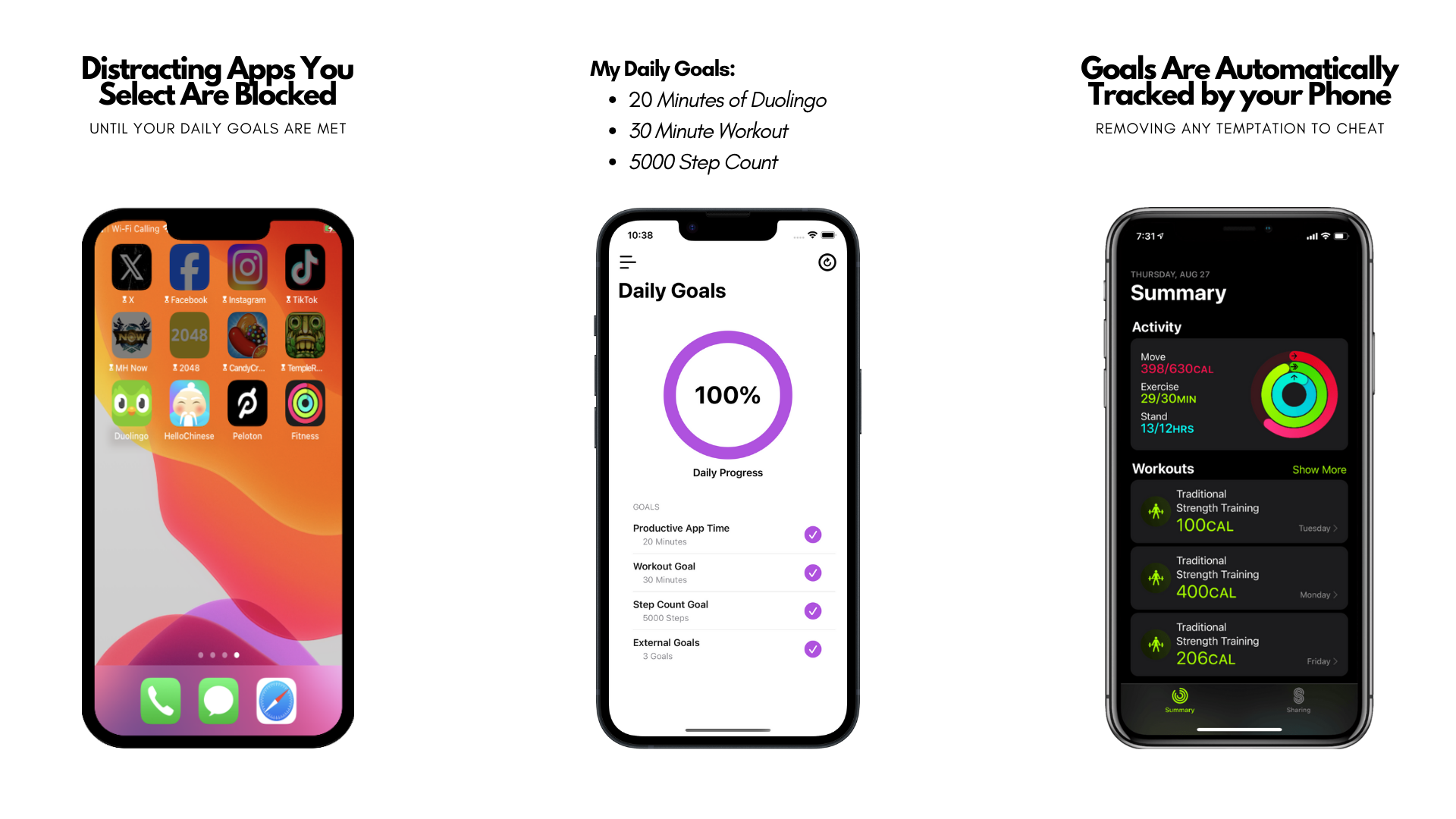
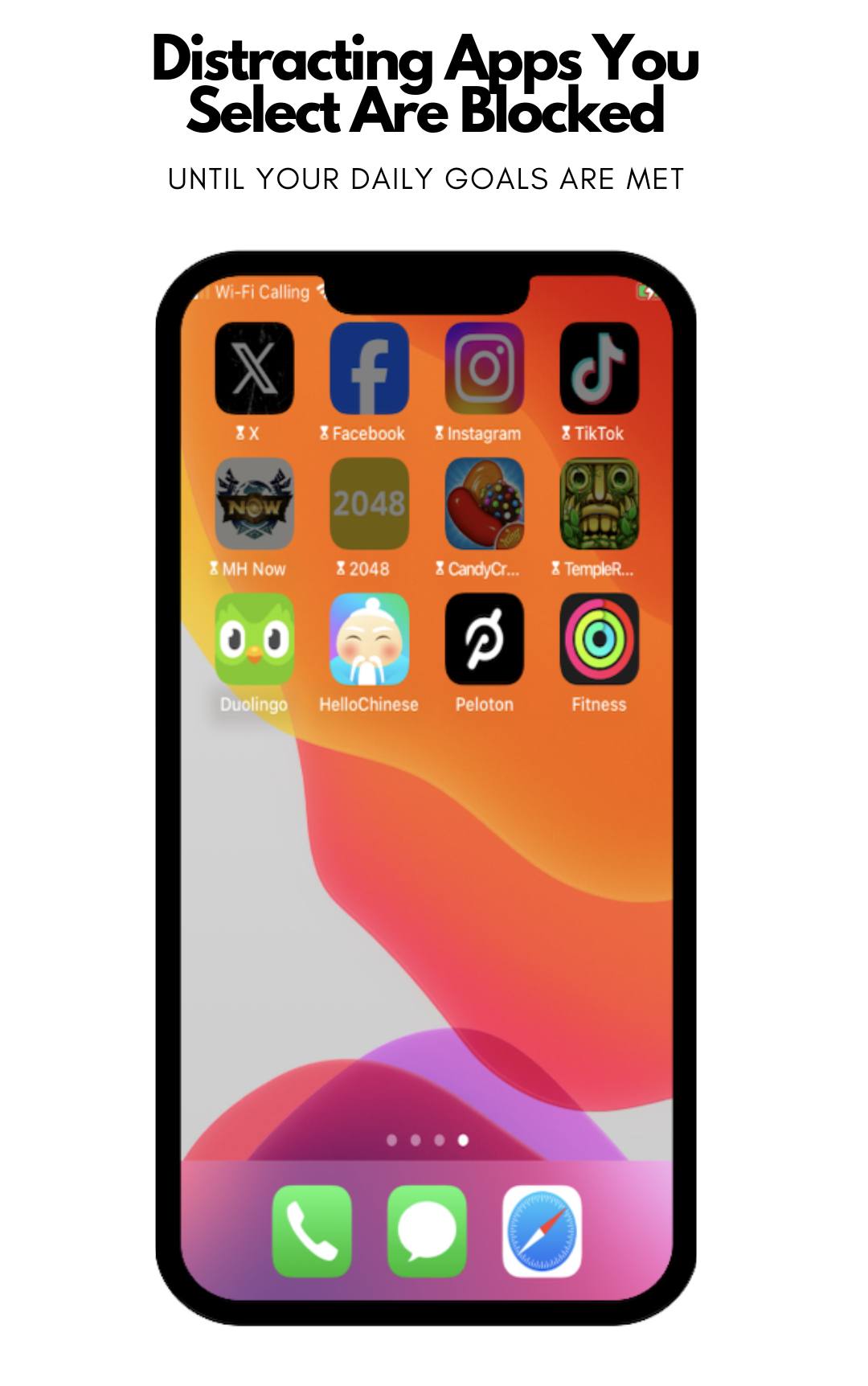
Choose distracting apps
Select the apps and websites that pull you away from work, study, sleep, or workouts.
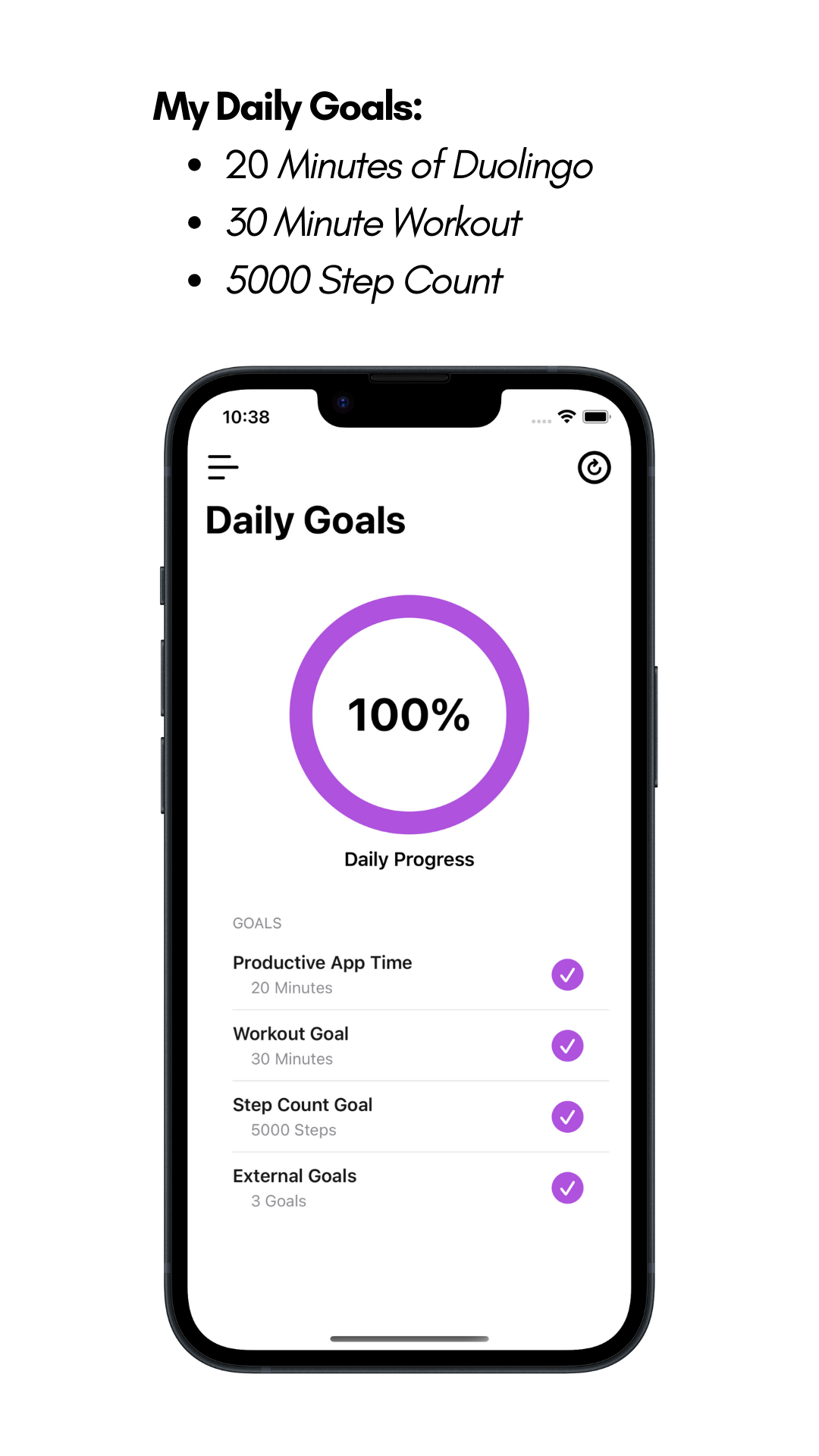
Set unlock goals
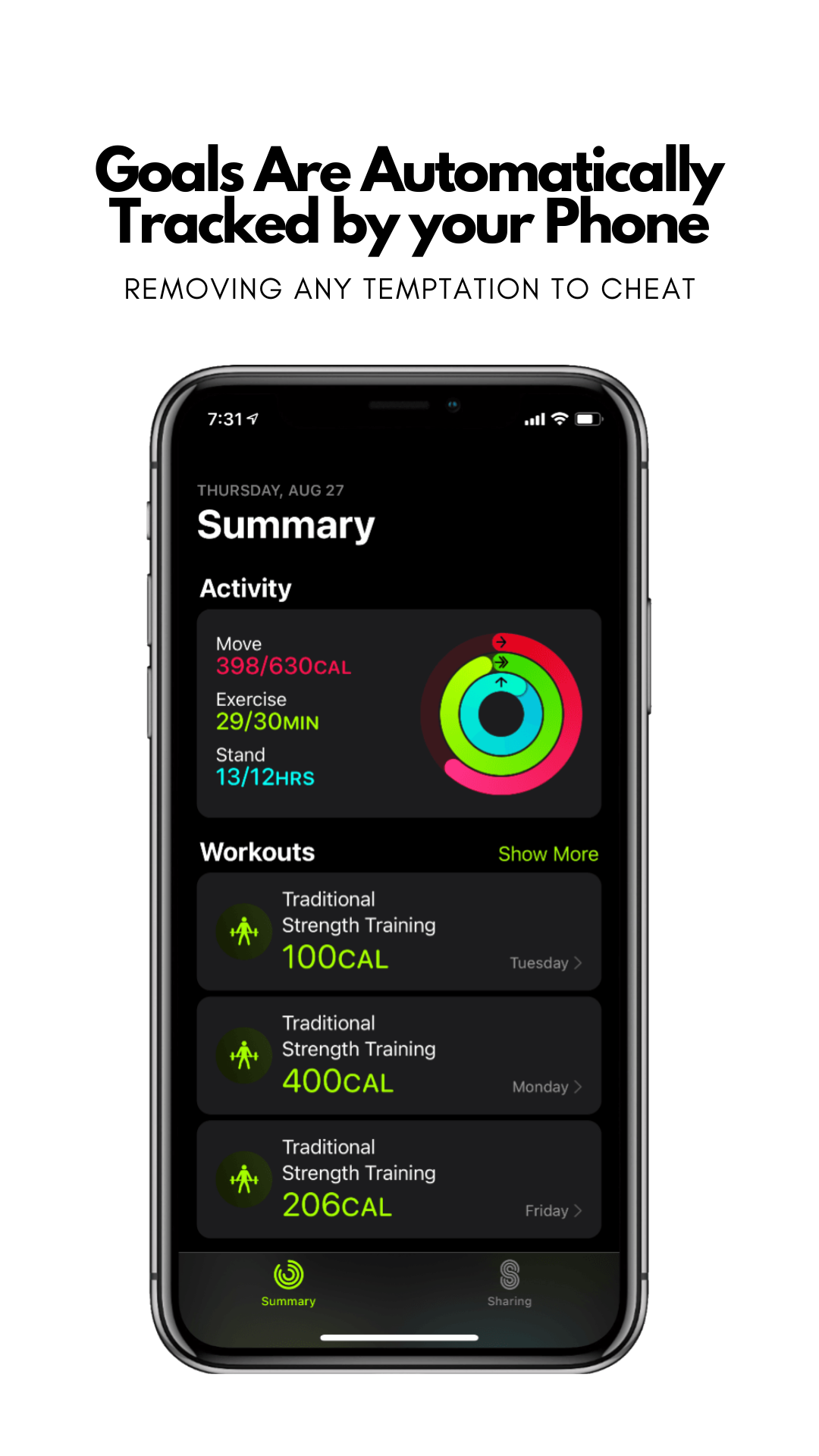
Use daily tasks, focus sessions, or workouts as the condition that unlocks access.
Earn access back
Achieve uses Apple Screen Time permissions so screen time becomes a reward.
Not ready to download yet? Start with guides to reduce screen time without willpower, stop doomscrolling on iPhone, and block social media on iPhone.
Achieve users reduce their screen time by 73% on average.
Choose the apps and websites that should stay blocked.
Unlock screen time after tasks, workouts, study, or focus sessions.
"This app helps me completely block all the nonsense and toxicity to focus on what really needs to be done."
"This app really holds me accountable and encourages habits I want to see in myself."
Turn Screen Time Into A Reward
Achieve changes the default from opening distracting apps first to earning access after you complete the goals, workouts, or focus sessions that matter.

Choose the apps to block
Select the distracting iPhone apps, categories, and websites that pull you into scrolling.
Set the unlock condition
Pick the task, study session, workout, or focus goal that has to happen before access returns.
Let progress open access
Use Apple Screen Time permissions so entertainment apps stay blocked until your rule is complete.
How Achieve Works
Setting up your focus environment takes less than a minute.
Real App Store Feedback
"Between YouTube shorts, Instagram reels, tiktok, and others it feels like there’s a constant arms race for my attention and time. This app helps me completely block all the nonsense and toxicity to focus on what really needs to be done."

"I’ve tried to cut back on unhealthy apps in the past, but this app really holds me accountable and encourages habits I want to see in myself. Perfect for tailoring your life and time to the fullest potential! It is also easy to setup and use!"

Screen Time App Questions
Answers for people using Achieve to block distracting iPhone apps and earn screen time through daily goals.
Set Up Achieve Everywhere
Continue with setup guides, troubleshooting, and desktop tools that connect Achieve across your devices.
Start with the most useful screen time guides
Reduce Screen Time
Build a practical system for using your phone less without relying on willpower alone.
Stop Doomscrolling
Reduce late-night and between-task scrolling with iPhone friction, Screen Time, and unlock rules.
Block Social Media
Block TikTok, Instagram, YouTube, Reddit, and browser fallbacks on iPhone.
Block Distracting Apps
Set up Screen Time and Achieve rules for the apps that pull you away from work, study, or sleep.
Setup and support resources
Achieve Guides
Read practical guides for blocking apps, reducing screen time, and earning app access through goals.
Help Center
Find setup guides and troubleshooting steps for Achieve on iPhone, Mac, and Chrome.
Chrome Extension Guide
Connect Achieve to Chrome and sync screen time for distracting websites.
Mac App Guide
Set up the Achieve Mac app and connect it with your iPhone account.
App Picker Troubleshooting
Fix common Screen Time app picker issues when selecting apps or websites.
Earn your screen time today
Achieve users reduce their screen time by 73% on average by putting goals, workouts, and focus sessions before distracting apps.